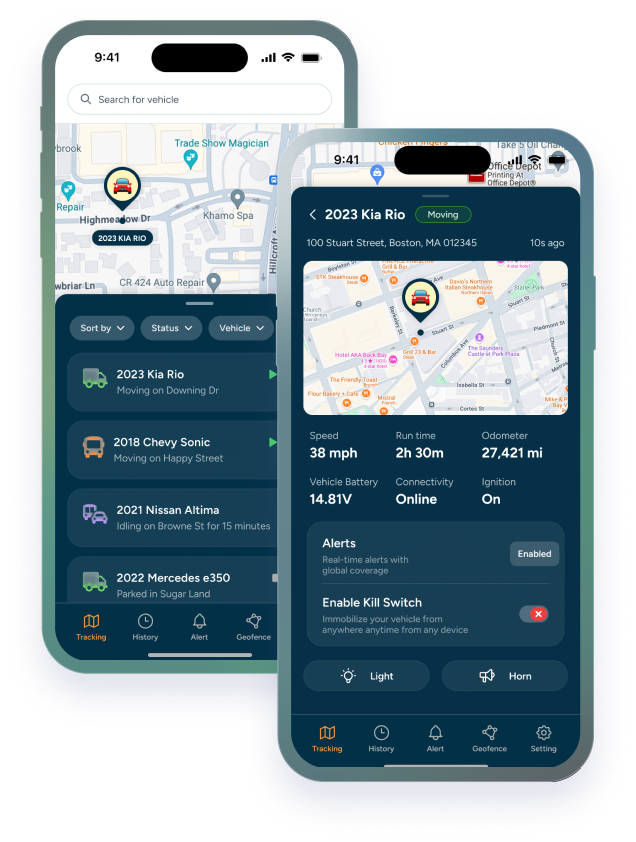

Every fleet maintenance schedule runs on one of three triggers: mileage, engine hours, or time. Most fleets default to whichever one their old paper log used, without ever asking if it's the right fit for the vehicle in question. It usually isn't; at least not for every vehicle in the fleet.
A solid fleet preventive maintenance schedule doesn't pick one trigger and apply it everywhere. It matches the trigger to how the vehicle is actually used, which is why mileage based maintenance schedule logic works well for a delivery van and badly for a generator that never leaves the yard. This post walks through when each trigger makes sense, where each one falls short, and how to set defaults that don't need constant babysitting.
|
Trigger |
Best For |
Where It Falls Short |
|---|---|---|
|
Mileage |
Vans, delivery vehicles, sales cars; basically anything that mostly drives |
Misses wear from idling: AC, PTO, hydraulics running with no miles added |
|
Engine Hours |
Construction equipment, generators, PTO-heavy vehicles; basically anything that runs without moving much |
Requires hour-tracking hardware; less intuitive for teams used to thinking in miles |
|
Time |
Low-use, seasonal, or backup vehicles; basically anything that mostly sits parked |
Ignores actual usage entirely; can over-service idle vehicles or under-service busy ones |
The three ways to trigger a service (and why "whichever comes first" usually wins)
Mileage counts distance. Engine hours count how long the engine has actually run, regardless of distance. Time counts calendar days since the last service. Each one is a decent proxy for wear on its own, but each one also misses something the other two would have caught.
That's why most well-run fleets don't pick on; they run a maintenance schedule by mileage, engine hours, or time, whichever comes first. A service template might say every 5,000 miles, or 250 engine hours, or 6 months, whichever hits first. A vehicle that racks up miles fast triggers on mileage. One that idles constantly for PTO work triggers on hours. One that barely moves triggers on the calendar. No single vehicle falls through the gap that any one trigger would have left open. This is the core logic behind most modern preventive maintenance intervals, and it's worth building into templates from day one rather than retrofitting it after something gets missed.
When mileage-based tracking makes sense (and when it lies to you)
Mileage based maintenance schedule logic works well when distance and wear actually track together; long-haul trucks, delivery vans, sales fleet cars, anything that spends most of its engine-on time actually moving forward. For these vehicles, odometer readings are a fair proxy for belt wear, oil breakdown, and general mechanical fatigue.
Where it lies to you is idle time. A vehicle maintenance by mileage approach assumes the engine is only running when the wheels are turning. A truck that sits at a job site for three hours a day with the engine running for AC, hydraulics, or refrigeration racks up almost no miles but plenty of wear. Mileage based service reminders on that vehicle will always fire too late, because the odometer never saw the hours the engine actually logged.
Why engine hours matter more for construction and heavy equipment
Construction equipment, generators, and anything with a PTO attachment breaks the mileage assumption almost completely. An excavator might move a few hundred feet in a full day of digging. A generator towed to a job site might not move at all for weeks while running continuously. An engine hour maintenance schedule captures the wear that actually happened, instead of a distance number that barely changed.
Equipment maintenance by engine hours is the standard in construction for good reason — most OEM service intervals for heavy equipment are published in hours, not miles, because the manufacturers already know mileage doesn't mean anything on this class of asset. Construction equipment maintenance intervals set on time or mileage instead of hours tend to either over-service equipment that's been idle, or badly under-service equipment that's been running hard in place.
|
An excavator can log a full shift of engine wear while its odometer barely moves. Hours catch what mileage misses entirely. |
For any asset where engine-on time and physical distance regularly diverge, hours should be the primary trigger, with mileage and time as backups rather than the other way around.
Time-based triggers: the fallback for low-use vehicles
Time based maintenance schedule triggers are the weakest signal of the three, but they're not useless — they're a safety net. Fluids degrade, seals dry out, and batteries lose charge on a calendar clock regardless of whether the vehicle moved an inch. A backup vehicle that sits for two months still needs its fluids checked, even with zero new miles or hours on it.
Calendar maintenance reminders earn their place specifically for low-use assets: seasonal equipment, backup vehicles, spare trailers, anything that spends more time parked than working. For these, maintenance intervals for low-use vehicles should default to time, since mileage and hours will rarely accumulate fast enough to trigger anything on their own. For everything else in the fleet, time works best as the tiebreaker in a "whichever comes first" setup, not the main event.
How to set default intervals without overcomplicating it
The trap most fleets fall into is building a custom interval for every single vehicle from scratch. It feels thorough, but it's a maintenance program nobody has the bandwidth to keep updated. Fleet maintenance interval settings work better as a small handful of template; road vehicles, PTO/idle-heavy vehicles, heavy equipment, low-use/seasonal; with a default mileage, hour, and time trigger built into each one.
• Road vehicles (vans, trucks, sales cars): mileage as primary, time as backup
• PTO or idle-heavy vehicles (refrigerated trucks, utility trucks): engine hours as primary, mileage as secondary
• Heavy equipment (excavators, generators, compressors): engine hours as primary, time as backup
• Low-use or seasonal assets (backups, spares): time as the sole or primary trigger
A preventive maintenance schedule for fleet vehicles built on four or five templates like this covers the whole fleet without needing a bespoke rule for every VIN. Fleet service interval planning gets easier, not harder, once the goal shifts from "perfectly tailored for one vehicle" to "correctly categorized, then automated."
How Trackhawk applies this automatically once you set it up
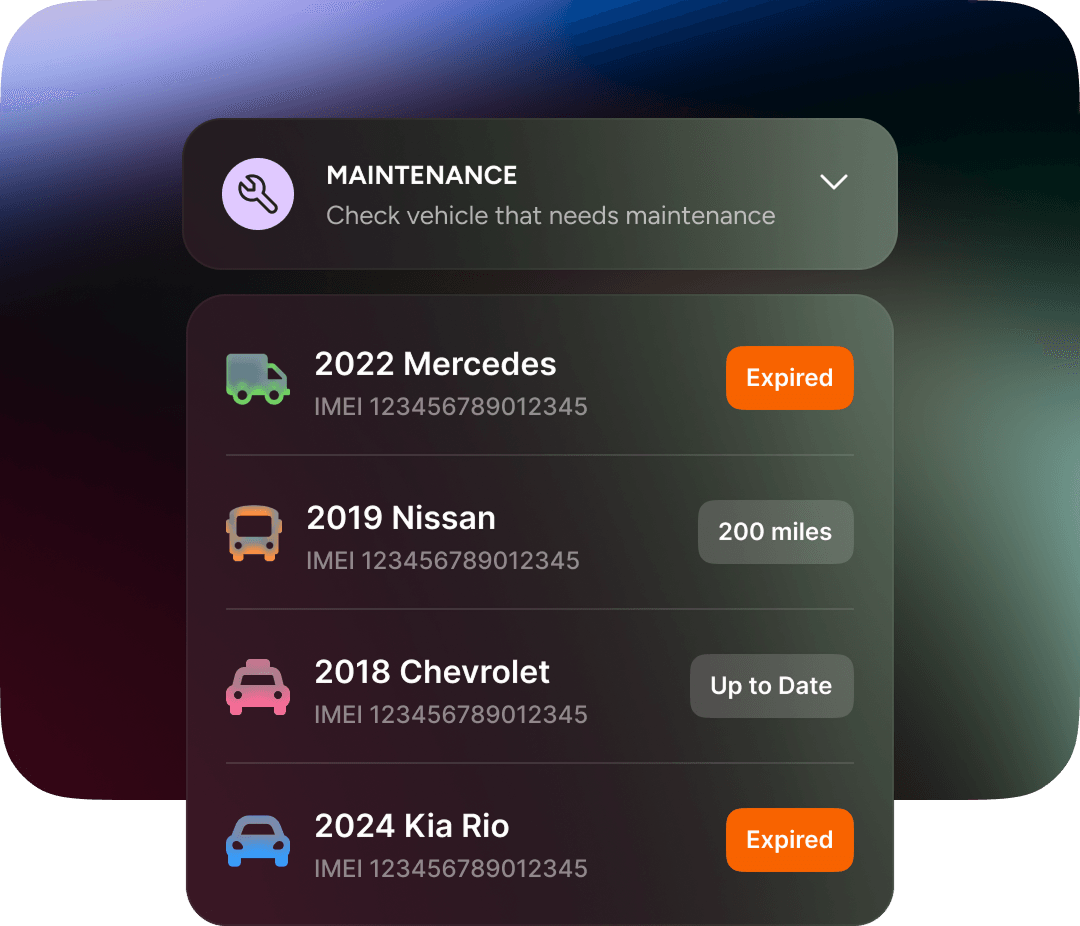
Once the templates are set, the tracking should be automatic — that's the whole point of moving off a spreadsheet in the first place. In Trackhawk, maintenance templates trigger on mileage, engine hours, or time, whichever comes first, so a single template can cover a vehicle no matter which factor ends up mattering most for it. Vehicles flag as due-soon or overdue automatically, and that status now shows up on the vehicle's own history and on the dashboard, not just buried inside the maintenance module.
Automated maintenance reminders mean nobody has to remember to check an odometer or a running-hours counter manually. If a service genuinely needs to be pushed or skipped, that can be logged with a reason instead of being forced through as a completed service, so the record stays honest. Last-service dates are editable per vehicle or directly in a template, which keeps the next reminder accurate instead of drifting off after a manual fix somewhere else.
This is what GPS fleet maintenance tracking is meant to do: take the mileage-vs-hours-vs-time decision most fleets never formalize, bake it into a template once, and let the system carry it from there. Trackhawk GPS maintenance schedules exist so that decision only has to be made once per vehicle category — not re-argued every time a service comes due.