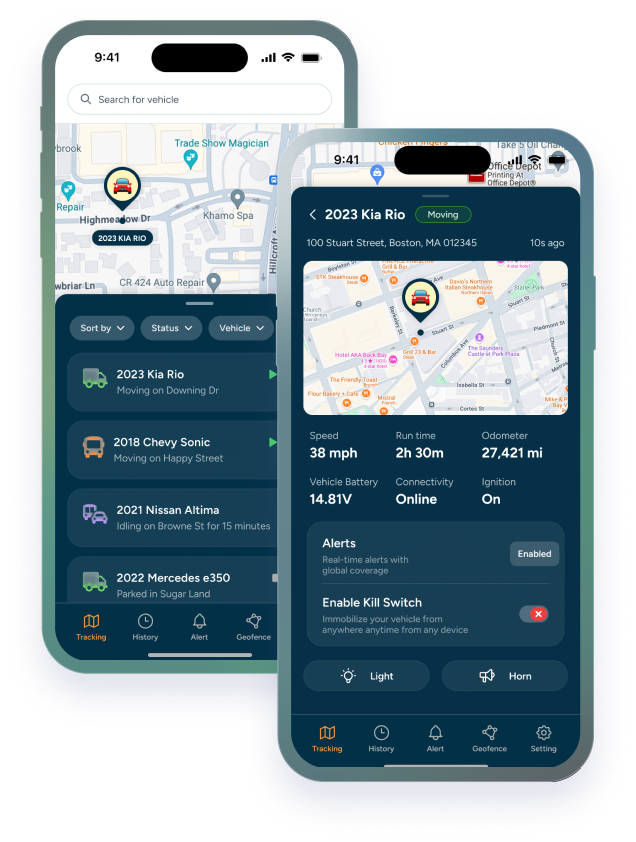

A dash cam can be a valuable tool for protecting your vehicles, your drivers, and your business. But if you're managing a fleet, a basic camera that simply records the road may not be enough.
Modern fleet dash cams can do much more than capture video. With GPS tracking, AI-powered driver monitoring, live streaming, automatic event detection, and cloud access, a dash cam can become part of your fleet management system.
So, what should you look for when choosing a new dash cam? Here are the features that matter most for commercial vehicles and fleets.
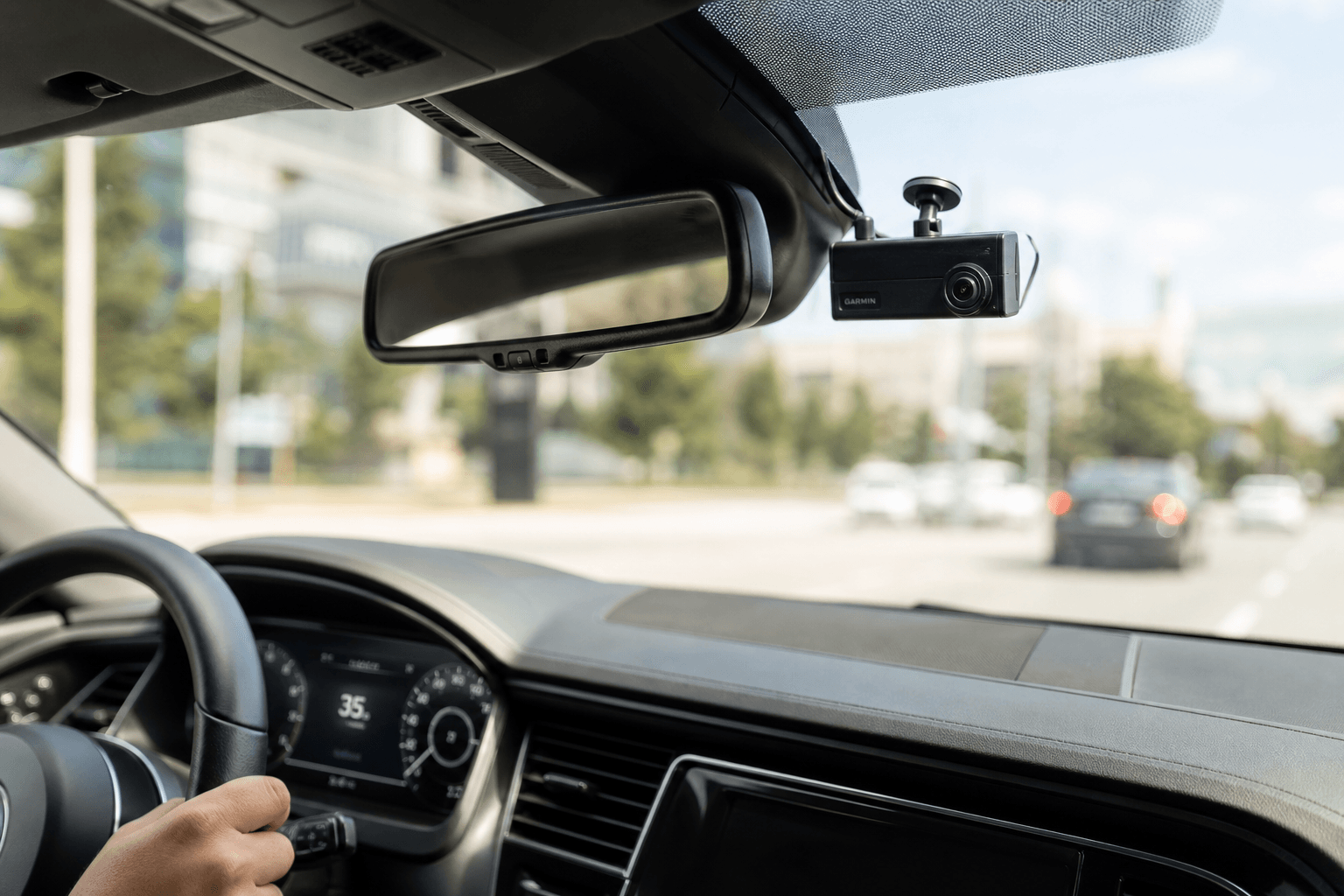
1. High-Quality Video
The first job of any dash cam is to capture what's happening on the road clearly.
Look for a camera that can record high-quality footage in different driving conditions, including bright sunlight, nighttime, and low-light environments. Clear footage can make it easier to identify vehicles, road conditions, license plates, and other details after an incident.
For businesses using dash cams for trucks or other commercial vehicles, video quality is particularly important. When an accident or dispute happens, unclear footage may leave you with more questions than answers.
A good fleet camera should also offer night vision and reliable recording without requiring constant driver attention.
2. Front and Driver-Facing Cameras
Why only watch the road?
For fleet operators, what happens inside the vehicle can be just as important as what happens outside.
Look for front and rear dash cams or, depending on your needs, a dual-facing system that captures both the road and the driver.
Trackhawk's AI-powered dash cam uses road-facing and driver-facing cameras to provide visibility both inside and outside the vehicle. That gives fleet managers more context around an incident and creates an additional layer of driver safety monitoring.
3. AI-Powered Driver Monitoring
One of the biggest differences between traditional dash cams and modern fleet video systems is artificial intelligence.
Instead of relying on a manager to watch hours of footage, an AI-powered camera can identify specific driving events that deserve attention.
Depending on the system, AI can detect behaviors such as:
- Distracted driving
- Mobile phone use
- Drowsiness
- Harsh braking
- Dangerous driving events
- Seatbelt-related violations
That turns the dash cam from a passive recording device into an active fleet safety tool.
4. Real-Time GPS Tracking
Video tells you what happened. GPS can tell you where and when it happened.
For fleet operators, connecting video footage with GPS tracking provides much more useful context. Instead of searching through hours of recordings, you can connect an event to a specific vehicle, location, and trip.
For businesses looking for dash cams with GPS tracking, this type of integration can be especially useful.
5. Live Video Streaming
A traditional dash cam usually requires you to retrieve footage from the device before you can see what's happening.
A connected fleet dash cam can give you another option: live video.
This can be useful when you need to quickly check a vehicle, investigate an incident, or get additional context about what's happening on the road.
6. Continuous Recording and Loop Recording
Storage is another important consideration when comparing dash cams.
Look for dash cams with loop recording so the camera can continue recording without requiring the driver to manually delete old files.
For fleet operators, this means less manual management and continuous video coverage.
7. Cloud Access to Recorded Footage
Having video footage isn't very helpful if accessing it is difficult.
For commercial fleets, look for a system that lets authorized users retrieve footage remotely rather than requiring someone to physically remove a memory card from every vehicle.
Cloud-based access can make it easier to investigate:
- Accidents
- Insurance claims
- Customer complaints
- Driver disputes
- Road incidents
- Vehicle damage
- Suspicious activity
With remote access, fleet managers can find relevant footage when they need it instead of waiting for the vehicle to come back to the yard.
8. Parking and Always-On Recording
A vehicle doesn't stop being at risk when the engine is turned off.
Depending on the vehicle and camera system, parking-mode recording can help capture activity while a vehicle is parked. This can be particularly valuable for commercial vehicles that spend hours unattended at jobsites, parking lots, warehouses, or customer locations.
Night vision also adds another layer of coverage when lighting conditions are poor.
9. Real-Time Driver Alerts and Coaching
A dash cam shouldn't only help you understand what happened after an incident.
AI-powered driver monitoring can also help address risky behavior while the vehicle is moving.
TrackHawk's system can provide visual and audible alerts when certain driving behaviors are detected, giving drivers immediate feedback.
For fleet managers, this creates an opportunity to use video technology not just for investigation, but for ongoing driver coaching and safety.
10. Reliable Connectivity
A commercial dash cam needs to stay connected.
Look for systems with cellular connectivity so the camera can communicate with your fleet platform without depending entirely on the driver's phone or a local Wi-Fi network.
For truck dash cams and other commercial vehicles that spend most of their time on the road, reliable connectivity is particularly important.
11. Easy Installation
A fleet camera can have every feature imaginable, but if installation is complicated, rolling it out across dozens or hundreds of vehicles becomes a headache.
Look for a plug-and-play solution designed for commercial fleet installation.
TrackHawk's dash cam is designed for straightforward installation, with connection options for different types of vehicles and fleet configurations.
That makes it easier to deploy video technology across everything from cars and vans to work trucks and larger commercial vehicles.
12. Integration With Your Fleet Tracking System
Perhaps the most important question isn't simply, "What does the dash cam record?"
It's:
"What can I do with the information it collects?"
A standalone dash cam gives you video. A connected fleet video system can combine that video with GPS location, vehicle information, driver behavior, alerts, and other fleet data.
That's where an integrated solution can make a difference.
Instead of managing separate systems for GPS tracking and video, fleet managers can use one platform to gain a clearer picture of their vehicles, drivers, and what's happening on the road.
What Should You Look for in a Fleet Dash Cam?
The best dash cam for a personal car isn't necessarily the right solution for a commercial fleet.
If you're managing one vehicle, features like video quality, loop recording, and easy installation may be your main priorities.
But when you're managing a fleet, you'll likely need more: AI-powered driver monitoring, GPS tracking, live streaming, cloud video access, continuous recording, driver alerts, and reliable cellular connectivity.
The goal isn't simply to record what happened. It's to have the right information available when you need it; and, ideally, use that information to help prevent problems in the first place.
Bring Video and GPS Tracking Together
Trackhawk's AI-powered fleet dash cam, powered by Raven, combines video monitoring with GPS fleet tracking to give businesses greater visibility into what's happening on the road and inside their vehicles.
From dash cams for trucks and work vehicles to broader commercial fleets, Trackhawk gives you the tools to monitor vehicles, understand driving events, and access video when it matters.
Ready to see what your fleet can do with AI-powered video? Explore Trackhawk Fleet Dash Cams by Booking a Free Demo with our sales team!