
Ask a superintendent where every machine is right now, and you’ll usually get a confident answer for most of the fleet and a shrug for the rest. The excavator is at the Elm Street site. The skid steer was there Tuesday. The light tower might still be at the last job, or someone borrowed it.
That gap between “most of the fleet” and “all of it” is where construction companies quietly lose. money; hours spent hunting for equipment, rentals for machines you already own, after-hours use nobody approved, and the occasional unit that disappears for good.
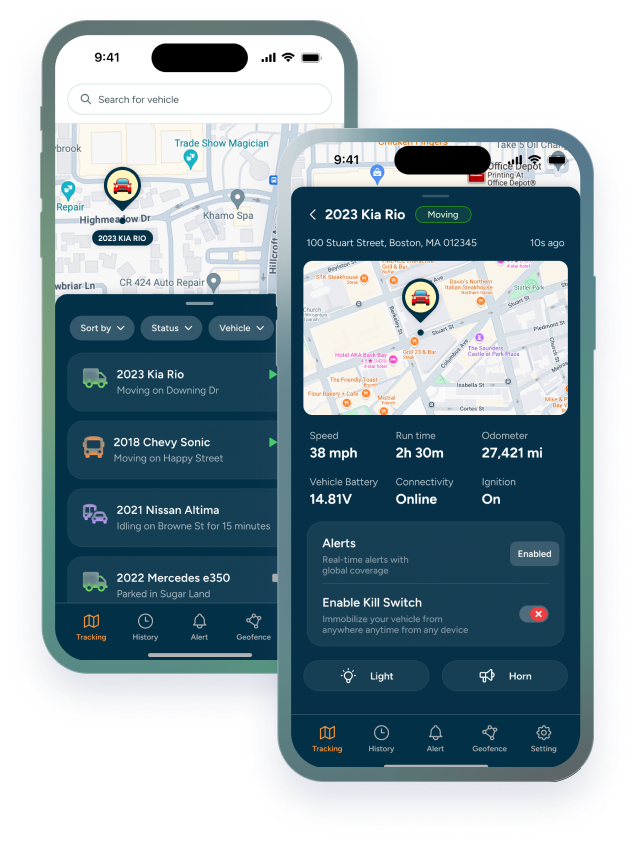
GPS tracking for construction closes that gap. Instead of relying on memory, whiteboards, or a round of phone calls, you see where every tracked asset is, whether it’s running, and when it moves. Below, we break down how it works and the specific benefits real-time location data brings to a construction operation.
How does GPS tracking for heavy equipment work?
A small tracking device is mounted on the machine. Motorized equipment usually gets a device wired into its power; non-powered assets like trailers, generators, and attachments get a battery-powered one. The device uses GPS to pinpoint its location and sends that data over a cellular network to a web and mobile platform.
From there, you see each asset on a map, along with details like engine hours, ignition on and off, movement, and alerts when something happens outside the rules you set.
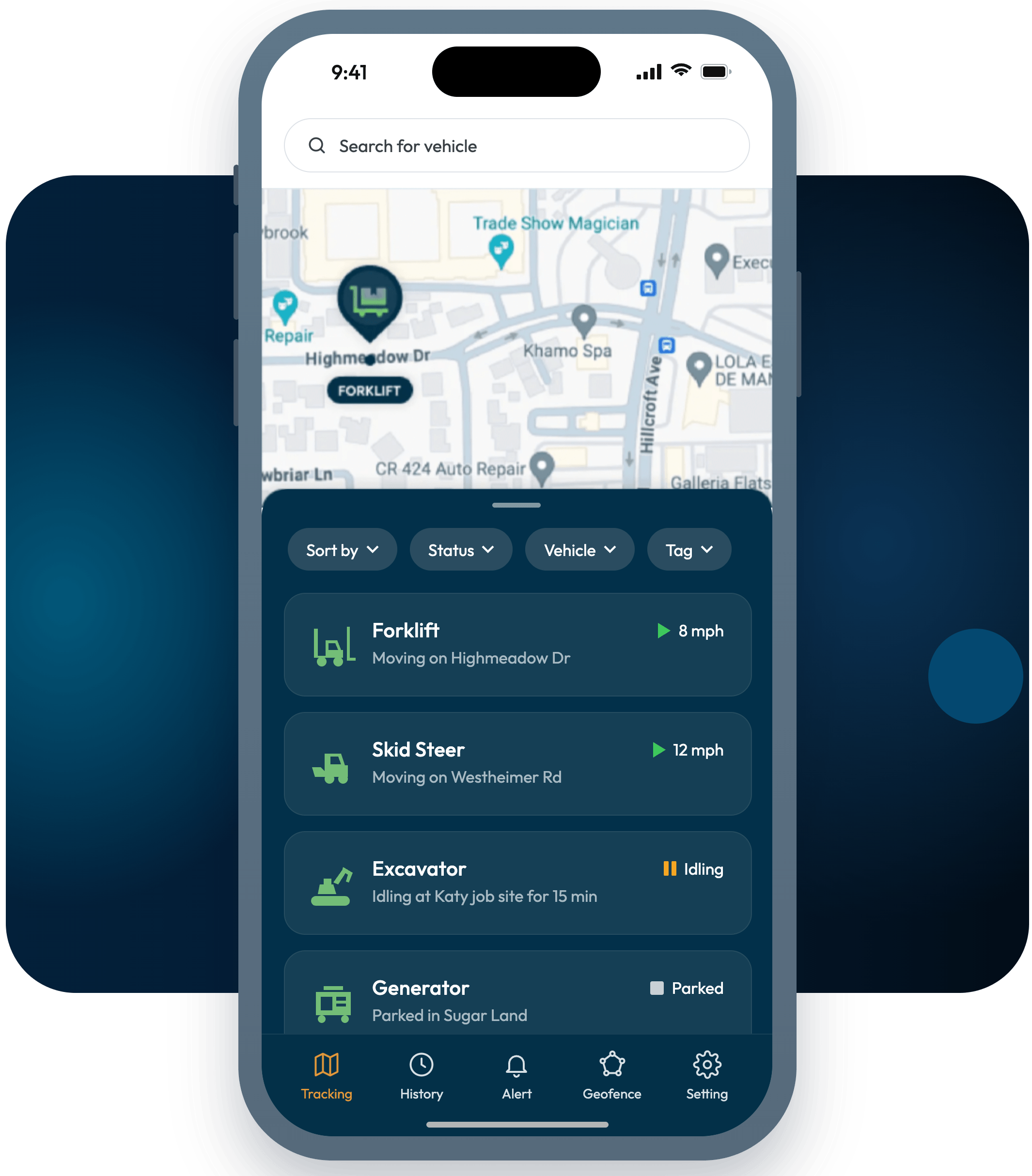
“Real-time” is the part that matters. Some systems only check in a few times a day. Real-time systems update often enough that the location on your screen is where the machine is now, not where it was this morning.
|
Wired vs. battery-powered trackers Wired trackers suit excavators, loaders, dozers, and other motorized equipment. Because they draw from the machine’s power, they can report frequently. Battery-powered trackers suit anything without its own power source, such as trailers, compressors, and attachments, and trade some reporting frequency for long battery life. Most construction fleets end up using both. |
Benefits of real-time equipment location tracking for construction
Here’s what changes once every machine has a live location attached to it.
1. Find any machine in seconds, not hours
Without tracking, finding equipment means calls, texts, and sometimes a drive between job sites to check. With real-time location, you open the app and look. Dispatch gets faster, crews stop waiting on machines, and nobody spends half a morning on a scavenger hunt.
2. Stop renting equipment you already own
When you can’t find a machine, or don’t know it’s sitting idle two sites over, renting a replacement is the easy fix. Heavy equipment asset tracking shows you what’s free across every site, so you can move your own unit instead of paying for someone else’s. Your fleet becomes a pool you can actually draw from.
3. Catch after-hours and unauthorized use
Set operating hours for each machine and get an alert if the ignition turns on at 11 p.m. or on a Sunday. Add geofences around your yards and job sites, and you’ll know the moment a machine leaves an area it’s supposed to stay in. That covers side jobs, unapproved moves, and theft in progress, and you hear about it while it’s happening instead of the next morning.
4. Improve your odds of recovering stolen equipment
Construction sites are easy targets. They’re open, spread out, unattended overnight, and many machines share common keys. Without tracking, recovery depends largely on luck and a serial number. With live location data, you can give police a current position, not a last-known job site.
|
Recovery comes down to two things: how fast you know something’s wrong, and how current your location data is when you call it in. |
Speed matters because stolen equipment rarely stays put. The sooner you know, the better your chances of getting it back before it’s moved, repainted, or resold.
5. Cut idle time and fuel waste
Engine hours and ignition data show you which machines are running without working. Idling burns fuel and stacks up engine hours, which pulls maintenance forward and chips away at resale value. Once you can see idle patterns by machine and by site, they’re much easier to address.
6. Schedule maintenance on actual usage
When engine hours report automatically, you can service equipment based on how much it actually ran, not calendar guesses or hour meters someone forgot to log. If your platform includes maintenance scheduling, those hours can trigger service reminders on their own, which means fewer breakdowns in the middle of a job.
7. Cost and bid jobs with real numbers
Location plus run time tells you how many hours each machine actually worked at each site. That makes job costing more accurate, supports time-and-materials billing, and gives you real data to build your next bid on, rather than estimates carried over from the last one.
8. Make better buy, sell, and rent decisions
Utilization data across the whole fleet shows which machines sit more than they work (candidates to sell) and which are always in demand (maybe worth buying another instead of renting one every month). Fleet decisions stop running on gut feel.
Real-time tracking vs. no tracking: what changes day to day
|
Situation |
Without tracking |
With real-time GPS tracking |
|---|---|---|
|
Finding a machine |
Calls, texts, driving site to site |
Open the map and look |
|
After-hours use |
Found later, if ever, through hour meters or wear |
Alert when the ignition turns on outside set hours |
|
Theft |
Noticed the next morning; police get a last-known site |
Alert when it leaves the geofence; police get a current location |
|
Maintenance |
Calendar estimates or manual hour logs |
Service based on reported engine hours |
|
Job costing |
Estimated equipment hours |
Actual run time per site |
|
Fleet decisions |
Gut feel |
Utilization data |
Is GPS on heavy equipment worth it for smaller contractors?
Tracking isn’t only for large fleets. In a smaller operation, each machine is a bigger share of your capacity, so one stolen skid steer or a week of unplanned downtime hits harder. You also don’t have to track everything on day one.
Many contractors start by putting GPS on heavy equipment that’s high-value, moves between sites often, or has been a theft target in the past, then expand from there. Avoiding a single unnecessary rental or recovering a single machine can cover the cost of tracking for a long time.
Getting started with GPS tracking for construction
A simple rollout looks like this:
- List your assets and rank them by value, how often they move, and theft risk.
- Match the device to the asset: wired for motorized equipment, battery-powered for trailers and attachments.
- Set geofences around your yards and active job sites.
- Define operating hours and decide who gets which alerts, so the right person hears about an issue right away.
- Review utilization monthly to spot idle machines, repeat rentals, and maintenance coming due.
The bottom line
Real-time location tracking doesn’t change how your crews build. It changes how much time and money gets lost around the work: searching, renting, idling, guessing, and occasionally replacing equipment that walked off a site overnight.
Trackhawk GPS helps construction companies see every machine, trailer, and attachment in one place, with live location, engine hours, and the alerts that matter. If you’d like to see how it would work on your fleet, our team is happy to walk you through it.
|
See your fleet in real time Find out which Trackhawk devices fit your equipment and what tracking would look like across your job sites. |