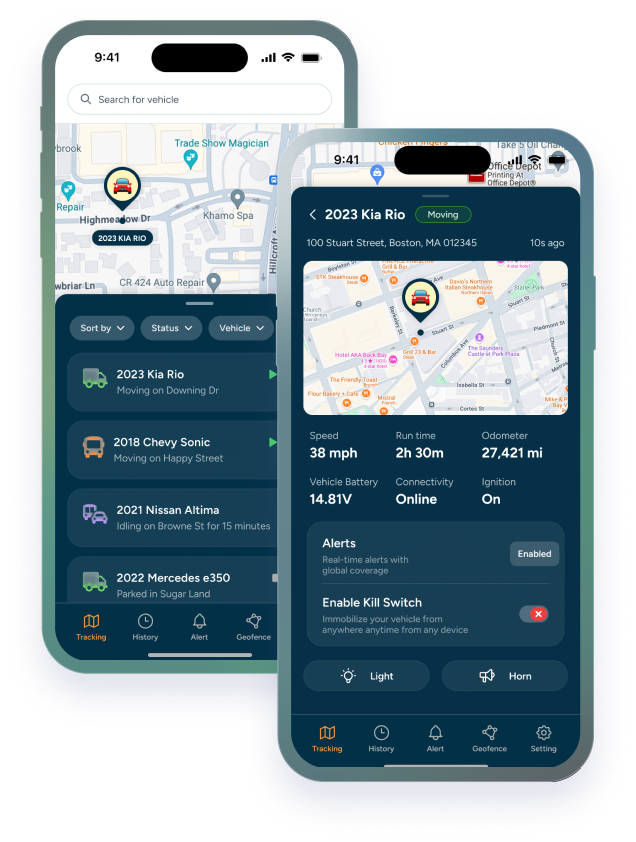

Rental companies and contractors both track construction equipment. They aren't solving the same problem.
A contractor tracks machines they own, on sites they run, with crews they manage. A rental company tracks machines that spend weeks on someone else's job site, used by someone else's crew, on someone else's schedule.
That difference changes what you need from equipment rental GPS tracking: what you set up, which alerts matter, and how you choose a system. This post covers where the two diverge and where they overlap. If you run a mixed operation, you'll probably recognize both sides.
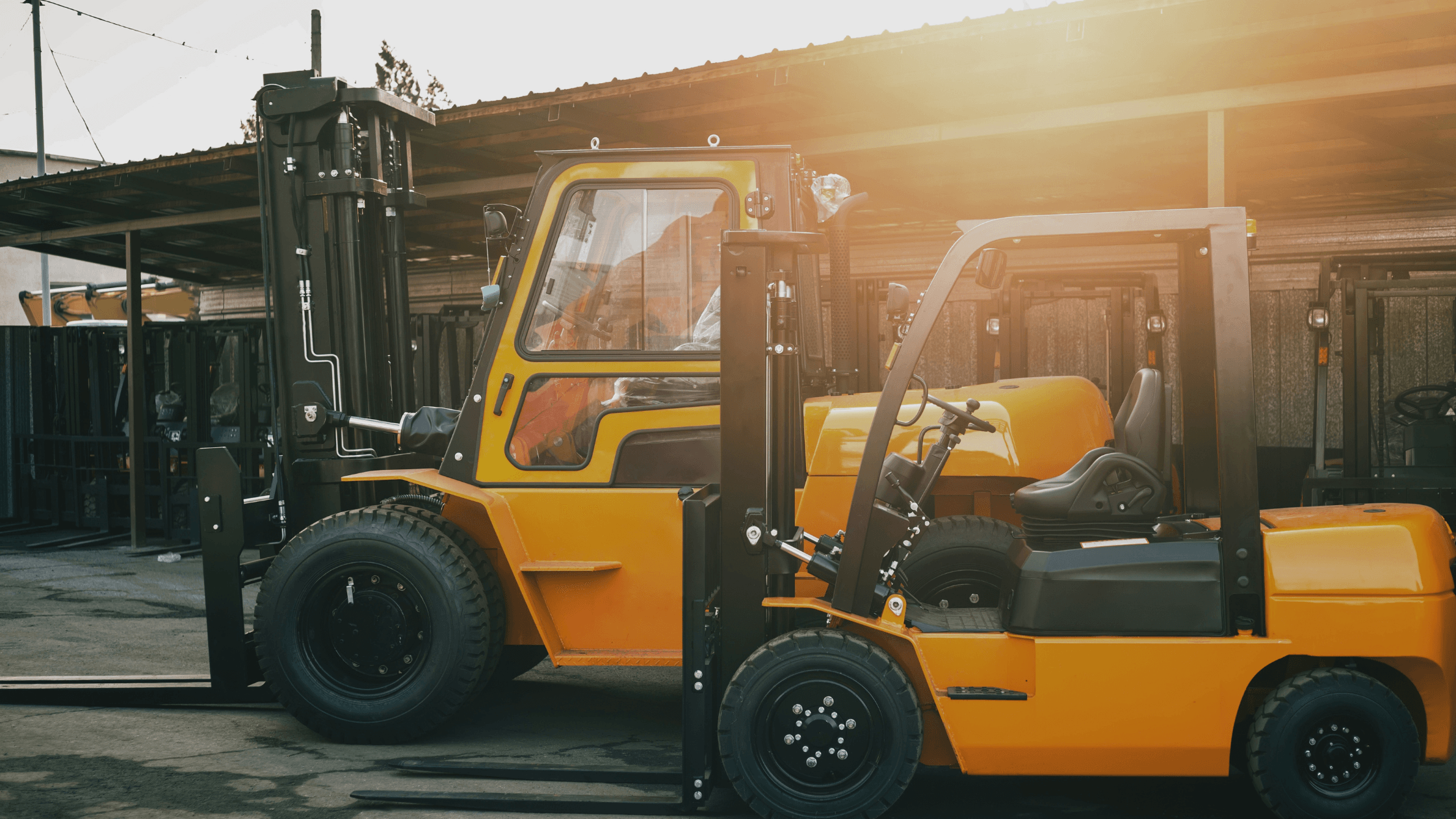
A Contractor Tracks Equipment They Control All Day. A Construction Equipment Rental Company Doesn't.
On a contractor's site, someone is usually around. A foreman knows which machines are on site, crews are your own, and a quick call or a walk across the yard answers most "where is it?" questions. Tracking fills the gaps: overnight, between sites, and on equipment that gets shared.
For a rental company, those gaps are most of the picture. Once a machine is delivered, you're relying on the customer, and the rental agreement may be the only record of where it's supposed to be.
|
Contractor |
Rental company |
|
|---|---|---|
|
Who controls the equipment |
You, your crews, your sites |
The customer, once it leaves the yard |
|
Where it spends its time |
Your job sites and yard |
Customer job sites, often for weeks |
|
Who operates it |
Your own employees |
The customer's crew |
|
Biggest visibility gap |
Overnight, between sites, shared machines |
Everything after delivery |
|
What tracking replaces |
Radio calls and site checks |
Phone calls and the rental agreement |
Both need to know where equipment is. The difference is how much of the picture you already have without a tracker.
Where the Risk Starts: When a Customer Signs vs. When a Crew Leaves the Site
For a rental company, risk starts the moment a customer signs. Up to that point, the machine is in your yard, where you can see it. After that, it's out of sight for the length of the rental.
RENTAL COMPANY
|
Customer signs |
→ |
Equipment delivered |
→ |
Out of your sight for the rental |
→ |
Returned on time? |
For a contractor, risk starts when the crew goes home. The machine stays on site, and nobody looks at it again until morning.
CONTRACTOR
|
Crew finishes for the day |
→ |
Equipment stays on site |
→ |
Nobody checks until morning |
In both cases, the risk is the gap between when someone last saw the machine and when someone looks again. GPS closes that gap.
Why Theft and Misuse Look Different for Rental Fleets and Contractors
Theft and misuse are risks for both, but they show up in different ways.
|
Rental company |
Contractor |
|
|---|---|---|
|
Theft |
Equipment taken from a customer's site, or never returned |
Equipment taken from an open job site or yard overnight |
|
Misuse |
Moved to another site, used outside agreed hours, lent to someone else, kept past the rental period |
Used by a crew or subcontractor for the wrong job, left idling, moved without telling anyone |
|
Who you talk to |
A customer, who may have a good reason |
Your own team |
For rental companies, the person on the other end of the phone is a customer. Not every unexpected movement is misuse, so an alert should lead to a specific, calm question, not an accusation.
For contractors, the conversation is internal, which makes it easier, but the cost is just as real. A machine used on the wrong job, left idling all day, or kept by a subcontractor after the work is done costs money even when nobody meant any harm.
What GPS can't tell you is who is operating the machine or why it moved. It tells you something happened, so you know when to ask.
Prevent Equipment Theft with GPS Tracking Devices
GPS doesn't make equipment impossible to steal. What it gives you is location data and early warning, which are the two things you're missing when a machine disappears from a site you can't watch.
|
LAYERS THAT WORK TOGETHER • Geofence alerts when equipment leaves an approved site, yard, or customer location • Movement alerts when a machine that should be stationary starts moving • Device Power Disconnected alerts when a tracker loses external power, which every device gets by default • Tamper alerts as another signal about the device itself • A kill switch, available on the VL03 and TH75, so you can disable equipment remotely and get a Kill Switch State Change alert when it's engaged or released |
How the layers apply depends on where the machine sits:
• Rental companies: a geofence around each customer's site, movement alerts for machines that leave it, and a kill switch where the equipment supports one. The goal is to know quickly if a machine isn't where the customer said it would be.
• Contractors: a geofence around each jobsite and the yard, movement alerts after crews leave, and power and tamper alerts on equipment that sits unattended overnight. The goal is to know before the morning crew finds an empty site.
Anyone who knows equipment is tracked may try to remove the tracker, so alerts about the device matter as much as alerts about the machine. Device Power Disconnected alerts go to admins as a mobile push and an email, and to sub-users by email.
The VL03 fits enclosed motorized vehicles and the TH75 fits small construction equipment. If you're thinking about a kill switch for larger machines, check with our team first.
|
The sooner you know a machine has moved, the more options you have. |
Liability and Accountability: Who's Responsible for Equipment on Someone Else's Job Site?
A rental agreement spells out who is responsible for equipment while it's on a customer's site: damage, loss, misuse, late returns. What it doesn't do is show what actually happened.
For rental companies, location history can. A record of where a machine was, when it moved, and whether it left the agreed area makes a conversation with a customer, or a claim with your insurer, a lot more factual.
For contractors, the question is often internal. When several crews and subcontractors share equipment, location history shows where a machine went and when, so questions about who had it don't turn into guesses. And if you rent equipment in, you're on the other side of the agreement: the machine is your responsibility while it's on your site, so it helps to know where it is and who's using it.
GPS records don't replace your contract. Talk to your insurer or an attorney about how location data applies to your agreements.
Geofencing: Per Customer for Rental Companies, Per Job site for Contractors
A geofence is a virtual boundary drawn around a location. When equipment crosses it, you get an alert. How you use that depends on your side of the business.
• Rental companies: draw a geofence around each customer's approved site and update it when the machine moves to the next customer. The boundary ties the rental agreement to a physical location.
• Contractors: set a geofence for each job site and for your yard. You'll know when a machine leaves where it's supposed to be, or when one is left behind at a finished site.
Both sides keep changing their geofences as the work changes: rental companies with each new customer, contractors with each new project. That's why it helps to organize equipment by customer, job site, or region yourself, without waiting on a support ticket.
A machine leaving a geofence isn't automatically a problem. A crew may be moving it to the next site. The alert tells you it happened so you can check.
After-Hours Alerts: A Rental Problem First, a Contractor Problem Too
For rental companies, "after hours" is hard to define. You don't know the customer's working hours, and nobody from your team is on site, so unusual movement is easier to miss.
For contractors, it's easier to define, because you know when your crews work. A machine that moves outside those hours, or over a weekend, is a clear signal that something is worth checking.
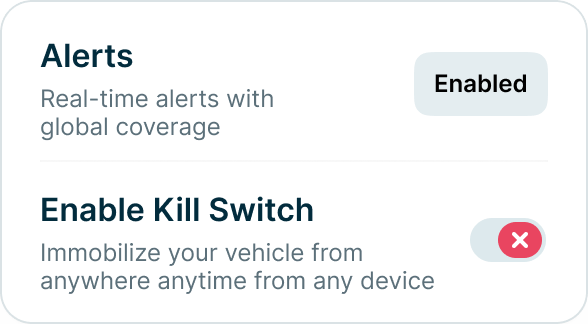
Movement alerts tell you when a machine that should be parked starts to move. Idle Time Exceeded alerts flag a machine that's been idling past a threshold you set, anywhere from 2 to 60 minutes, which can point to misuse or wasted fuel. For contractors, idling also adds engine hours and burns fuel. For rental companies, it can mean a customer is running a machine harder than expected.
A machine that moves at 2 a.m. may be a customer with an emergency job. The alert tells you it happened. The phone call tells you why.
Remember that alerts follow the device's reporting schedule, so how quickly you hear about something depends on how that device is configured.
Best GPS Tracking Solutions for Heavy Machinery: What to Look for When Choosing or Switching
Whether you're picking a first system or replacing one, the same checks apply. Heavy machinery tracking works best when the system matches how you actually run your fleet:
|
What to check |
Why it matters |
|---|---|
|
A device for every type of equipment |
Hardwired, plug-and-play, and battery-powered options cover powered machines, support vehicles, and trailers. |
|
Alerts you can tune |
Geofence, movement, tamper, power, and idle alerts, plus protections that run without setup. |
|
Control over update frequency |
Lets you balance detail against battery life, equipment type by equipment type. |
|
Easy group management |
Organize equipment by customer, jobsite, or region without a ticket. |
|
Maintenance in the same platform |
Service can trigger by mileage, engine hours, or time, with status next to location. |
|
Honest expectations |
Ask how often devices report and what alerts can and can't tell you. |
If you want to learn more about what to look for and what GPS trackers might be best for your operations you can take a look at our blog : Best GPS Trackers for Construction Equipment.
Maintenance looks different on each side. Contractors usually schedule service by engine hours, since that's how most heavy equipment wears. Rental companies need machines serviced between rentals, so a due-soon flag helps them plan service around bookings.
If you're switching, start by listing the equipment that has no tracker today. The gaps are often trailers and attachments, because they have no power source for a standard hardwired device.
Be cautious of any system that promises to prevent theft outright. Tracking improves your odds of noticing and responding. It doesn't replace good security.
Trackhawk GPS offers hardwired, plug-and-play, and battery-powered GPS trackers, kill switch options, geofencing, movement and tamper alerts, default protection alerts on every device, and maintenance tracking in one platform. Whether you rent equipment or run it, you can see where your assets are and get notified when something doesn't look right.
See how it fits your fleet. Talk to our team about the equipment you track and the sites you manage. Book a free demo.